 vikram@gmail.com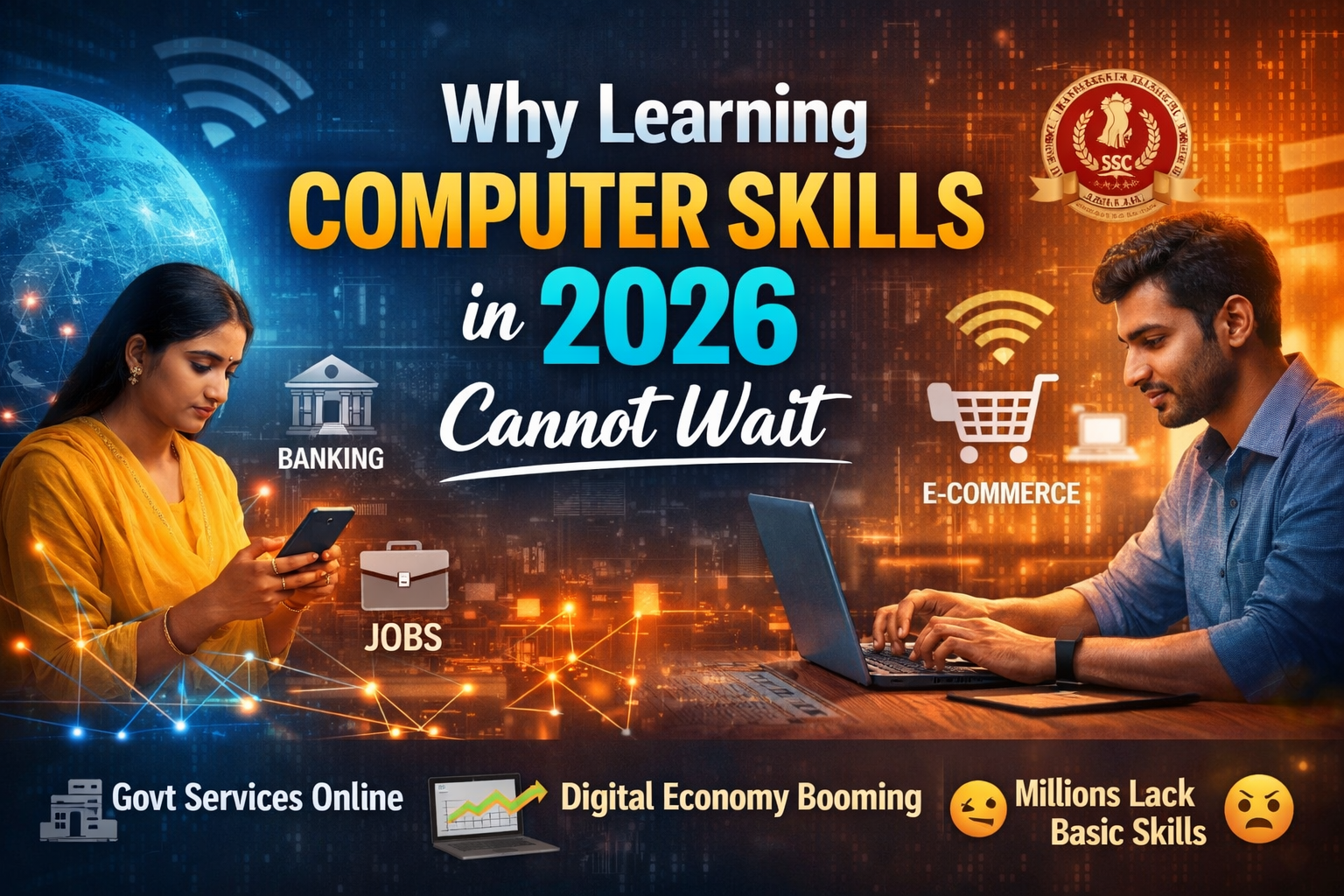
INTRODUCTION:-
Are you searching for the best free websites to learn basic computer skills online? You have landed on the right page. In 2026, computer knowledge is not optional — it is a basic life skill. Whether you are a student, a job seeker, or a homemaker, these skills open doors that nothing else can.
The best part? You do not need to pay thousands of rupees for coaching classes. Today, the most powerful free websites in the world offer world-class computer education at absolutely zero cost. They work on mobile, they are beginner-friendly, and millions of people are already using them right now.
We have researched and handpicked the Top 10 Free Websites to Learn Basic Computer Skills Online — based on content quality, ease of use, mobile experience, and real learner results. By the end of this article, you will know exactly where to go and what to start learning today.
Why Learning Computer Skills in 2026 Cannot Wait
The digital economy is growing faster than ever. Government services, job applications, banking, and business — everything has moved online. Yet millions of people still struggle with basic computer operations simply because they never had access to affordable education.
These free websites have changed that permanently. Anyone with a smartphone and an internet connection can now access the same quality of computer education that once cost lakhs of rupees. The only question is: which platform is right for you?
Let us find out.
1. GCFGlobal.org — Best Free Website for Absolute Beginners
Website: gcfglobal.org Best For: First-time users, senior citizens, housewives, school students
If you have never touched a computer before, GCFGlobal is where your journey begins. Run by the Goodwill Community Foundation, this platform has been teaching digital literacy for over 20 years — completely free, no account required, no hidden fees of any kind.
Every lesson is short, clear, and uses simple language with illustrations. You can finish a topic in 10 to 15 minutes and immediately try what you learned. It works perfectly on mobile, tablet, and desktop.
What You Will Learn:
- How to set up and use a computer from the very beginning
- Microsoft Word, Excel, and PowerPoint basics
- How to use the internet and email safely
- Keyboard shortcuts that save hours every week
- Online safety — spotting scams and protecting your information
Among all the free websites on this list, GCFGlobal is the most welcoming for complete beginners. No pressure, no registration, no cost — just open and start learning immediately.
2. Khan Academy — Understand How Computers Actually Work
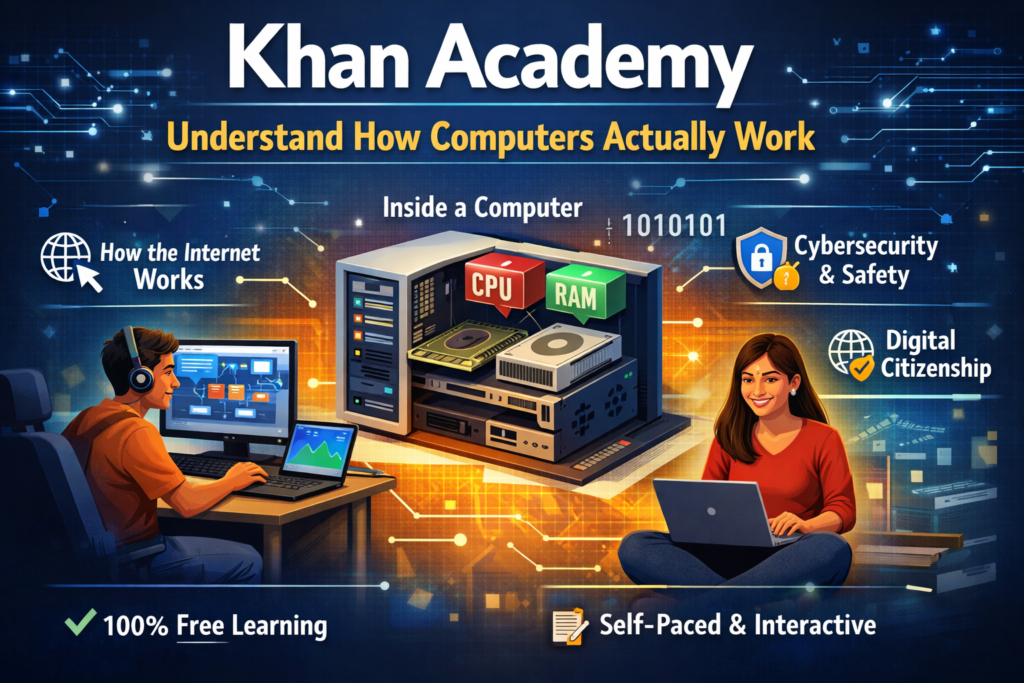
Website: khanacademy.org Best For: Students, curious learners, anyone wanting to understand technology deeply
Khan Academy is one of the most trusted free websites in the world, used by over 150 million people globally. Its computing and digital literacy section is perfect for anyone who wants to understand how computers and the internet function — not just how to click buttons.
What makes Khan Academy exceptional is its personalised learning dashboard. It tracks your progress, remembers where you stopped, and lets you set daily goals. You can also download the Android or iOS app and learn during your commute or lunch break.
What You Will Learn:
- How computers process and store information
- How the internet connects billions of devices worldwide
- Introduction to programming logic — no experience needed
- Digital citizenship — responsible and safe internet use
- Cybersecurity basics — passwords, phishing, staying safe online
Khan Academy is completely free, has no ads inside the learning interface, and is one of the highest-quality free websites available anywhere in the world.
3. Coursera — Learn from Google and IBM, Completely Free
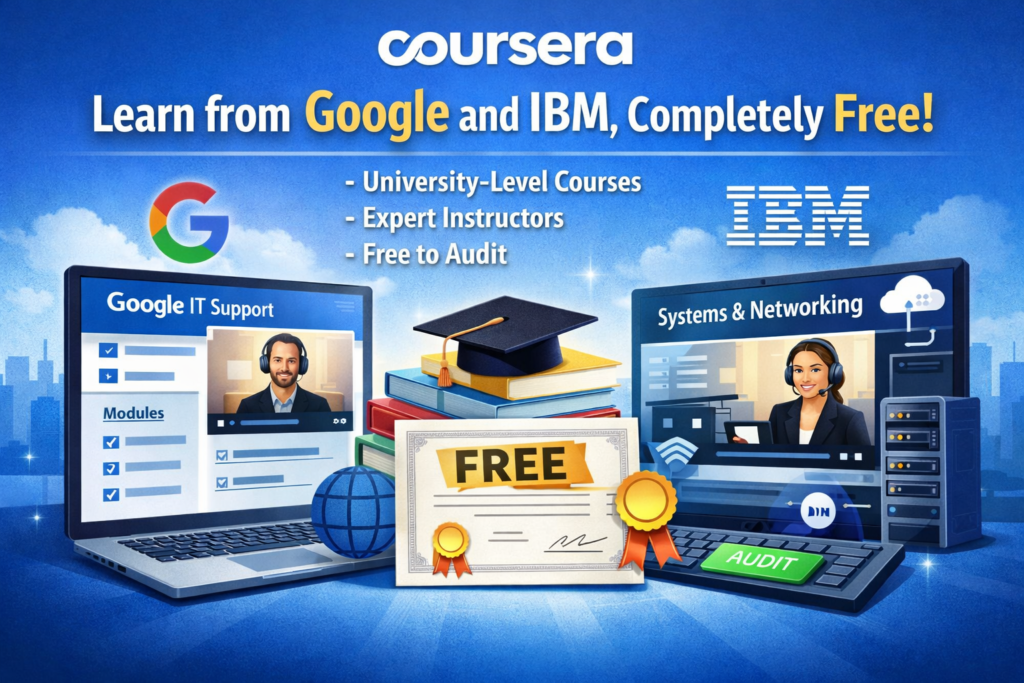
Website: coursera.org Best For: Job seekers, career changers, people wanting structured professional learning
Coursera partners with top universities and companies — including Google, IBM, Stanford, and University of Michigan — to deliver professional online courses. Here is the secret most people do not know: you can audit almost every course on Coursera completely free.
Auditing means full access to all video lectures, reading material, and quizzes — without paying for the certificate. The Google IT Support Professional Certificate is one of the most popular free-audit programs on any of the major free websites today.
What You Will Learn:
- Computer hardware — what is inside your PC and how it works
- Operating systems — Windows and Linux fundamentals
- Networking — how Wi-Fi, routers, and internet connections work
- IT troubleshooting — fixing common computer problems yourself
- Cloud computing basics — what it is and why it matters
Pro Tip: When enrolling, look for the small “Audit” link below the main button. This gives you free access to all content on one of the most powerful free websites for professional learning.
4. Alison.com — Free Computer Courses with Real Certificates
Website: alison.com Best For: Job seekers, freshers, students building their resume
Alison is one of the most powerful yet underrated free websites for learning computer skills. With over 20 million learners and 4,500 free courses, Alison stands apart for one important reason: it gives you a genuine, shareable certificate when you complete a course — completely free.
Most platforms give you knowledge but no proof. Alison gives you both. You can share your certificate on LinkedIn, attach it to job applications, or add it to government exam portfolios.
What You Will Learn:
- Microsoft Word, Excel, PowerPoint, and Access — full courses
- Computer networking — how devices communicate with each other
- Introduction to Python programming
- Cybersecurity awareness and digital safety
- Digital marketing fundamentals
The Diploma in IT on Alison is one of the most comprehensive free programs on any of the free websites available today. Structured like a real diploma, with modules, assessments, and a recognised final certificate.
5. Typing.com — Build Keyboard Speed Most People Never Develop
Website: typing.com Best For: Anyone who uses a computer for work, data entry job applicants, students
Fast and accurate typing is the foundation of every other computer skill. If you type slowly, everything you do takes twice as long. Typing.com is the dedicated free website that solves this problem — and it does it brilliantly.
Starting from absolute zero, it teaches you the correct finger placement technique known as touch typing. The platform tracks your Words Per Minute and accuracy score in real time, so you can watch yourself improve with every session.
What You Will Learn:
- Correct hand position and finger-to-key mapping
- Home row technique — the method used by professional typists
- Speed building — from 20 WPM to 60 WPM and beyond
- Numbers, symbols, and punctuation row mastery
- Typing certification useful for data entry job applications
Among all the free websites on this list, Typing.com delivers the fastest visible results. Most learners see measurable improvement within their very first week of practice.
Pro Tip: Practice for just 15 minutes every day. In 30 days, your speed will completely transform.
6. Microsoft Learn — Official Free Training Directly from Microsoft
Website: learn.microsoft.com Best For: Office workers, IT professionals, corporate job seekers
Who better to teach you Microsoft products than Microsoft itself? Microsoft Learn is the official free training platform maintained by Microsoft engineers. Every course is accurate, up to date, and verified — because it comes straight from the source.
This is the most authoritative of all the free websites for anyone working with Windows and Microsoft Office daily. It also includes hands-on practice environments where you apply skills in real time, not just watch videos.
What You Will Learn:
- Windows 10 and Windows 11 — setup, navigation, and productivity features
- Microsoft Word — formatting, templates, tables, and mail merge
- Microsoft Excel — formulas, charts, pivot tables, and data analysis
- Microsoft Teams and Outlook — professional workplace communication tools
- Introduction to cloud computing with Microsoft Azure
Microsoft Learn awards free digital badges and certificates on completion. These verified credentials appear on your LinkedIn profile and are recognised by employers globally — all from one of the best free websites available.
7. Google Digital Garage — Free Certification Powered by Google
Website: grow.google Best For: Small business owners, marketing students, anyone wanting Google-certified skills
Google Digital Garage is Google’s own initiative to help people develop digital and computer skills. For Indian learners, this is one of the most valuable free websites available because courses are offered in Hindi and other regional languages.
The flagship Fundamentals of Digital Marketing course has 26 modules and is co-created with the Interactive Advertising Bureau Europe and The Open University. Completing it earns you a globally recognised free certificate that carries real weight with Indian employers.
What You Will Learn:
- Using Google Search, Gmail, Drive, Docs, and Sheets like a professional
- Digital marketing basics — how businesses grow online
- E-commerce fundamentals — buying and selling safely on the internet
- Data literacy — understanding online analytics and reports
- Building a professional online presence
A Google certificate on your resume is one of the most powerful credentials a learner from these free websites can earn.
8. Udemy Free Courses — Widest Variety of Computer Learning
Website: udemy.com Best For: Self-directed learners, anyone with a specific skill gap to fill
Udemy is the world’s largest online learning marketplace with over 210,000 courses. While many require payment, Udemy maintains a large library of completely free courses — strong in computer basics, MS Office, and introductory programming. Once you enroll in a free course, you get lifetime access. No deadlines, no pressure.
Among all the free websites on this list, Udemy offers the widest variety of topics. Whatever specific skill you need, a free course is waiting for you.
What You Will Learn:
- Complete computer basics — hardware, software, and operating systems
- Microsoft Excel fundamentals — formulas, functions, and real projects
- Introduction to Python — the world’s most in-demand programming language
- Graphic design basics using tools like Canva
- Professional email writing and business communication
Pro Tip: Go to Udemy, search your topic, then click Filters → Price → Free. Hundreds of quality courses appear instantly on these free websites.
9. YouTube — The World’s Most Powerful Free Learning Resource
Website: youtube.com Best For: Visual learners, Hindi-medium students, anyone needing regional language support
YouTube is the largest free education library ever created by humanity. For learning computer skills in Hindi, English, Tamil, Urdu, Telugu, or virtually any Indian language, YouTube is unmatched among all free websites available today.
Dedicated channels post complete step-by-step computer courses covering MS Office, Tally ERP 9, video editing, graphic design, coding, and much more — at zero cost. The content depth on YouTube exceeds what most paid institutes offer.
What You Will Learn:
- Complete MS Office courses in Hindi and English
- Tally ERP 9 and Tally Prime — essential for commerce students and accountants
- Video and photo editing — CapCut, Premiere Pro, Canva tutorials
- Programming — Python, HTML, CSS, JavaScript full courses
- Computer hardware — assembling, maintaining, and troubleshooting a PC
Top Hindi Channels: LearnVern, Apna College, CodeWithHarry, Technical Guruji, Gyaan with Vivek
YouTube is also the only platform among these free websites that gets smarter the more you use it — recommending better and better content as you watch.
10. NIELIT — Government-Approved Free Certification for India
Website: nielit.gov.in Best For: Government job aspirants, bank exam candidates, SSC applicants
For every Indian learner preparing for a government job, NIELIT is the most important entry on this list of free websites. NIELIT — the National Institute of Electronics and Information Technology — is a Government of India body under the Ministry of Electronics and IT.
Their CCC (Course on Computer Concepts) certificate is officially recognised by Central and State Government departments across India. For hundreds of government vacancies, a valid CCC certificate is mandatory. NIELIT’s official website provides all study material completely free.
What You Will Learn:
- Computer fundamentals — hardware, software, input and output devices
- MS Office basics — Word, Excel, PowerPoint as per CCC exam syllabus
- Internet usage — browsers, search engines, email, and safe browsing
- Digital financial tools — UPI, internet banking, e-government portals
- Cybersecurity basics — protecting your data and identity online
No other entry on this list of free websites gives you government-recognised certification. The CCC certificate can be the difference between qualifying and not qualifying for a government position in India.
Pro Tip: Download the free CCC study material PDF from NIELIT’s website and combine it with YouTube tutorials for the most effective free exam preparation available anywhere.
Quick Comparison — All 10 Free Websites at a Glance
| # | Free Website | Best For | Certificate | Hindi |
|---|---|---|---|---|
| 1 | GCFGlobal | Absolute beginners | No | No |
| 2 | Khan Academy | Understanding computers | No | Yes |
| 3 | Coursera | University-level learning | Paid | No |
| 4 | Alison | Free resume certificates | Yes Free | No |
| 5 | Typing.com | Keyboard speed | No | No |
| 6 | Microsoft Learn | MS Office and Windows | Free Badge | No |
| 7 | Google Garage | Digital skills | Yes Free | Yes |
| 8 | Udemy | Wide variety | Free | Yes |
| 9 | YouTube | Visual and Hindi learning | No | Yes |
| 10 | NIELIT | Government exam India | Yes CCC | Yes |
How to Start Today — 5 Simple Steps
Step 1 — Choose one platform. Beginner? Start with GCFGlobal. Want a certificate? Go to Alison or Google Garage. Government exam? Start with NIELIT.
Step 2 — Set 30 minutes daily. Consistent daily practice on these free websites beats irregular marathon sessions every single time.
Step 3 — Practice immediately. After every lesson, open Word, Excel, or your browser and try what you learned. Doing is what makes it stick.
Step 4 — Earn your certificate. Complete a course on Alison, Google Garage, or Microsoft Learn. Download your free certificate and add it to your resume and LinkedIn.
Step 5 — Keep upgrading. Return to these free websites every few months. Technology keeps evolving, and so should your skills.
Frequently Asked Questions
Are these free websites truly free with no hidden charges? Yes. GCFGlobal, Khan Academy, Typing.com, YouTube, and NIELIT are completely and permanently free. Coursera, Alison, and Udemy have optional paid upgrades, but everything you need is available free.
Can I use these free websites on my Android phone? Yes. All 10 work on mobile browsers. Khan Academy, YouTube, Alison, and Udemy also have dedicated Android apps for learning on the go.
Which free website is best for a government job in India? NIELIT is essential. Their CCC certificate is officially recognised by government departments across India. Combine NIELIT study material with YouTube tutorials for the best results.
How long does it take to learn basic computer skills? With 30 to 60 minutes of daily practice on these free websites, most beginners become confident with computer basics and MS Office within 4 to 8 weeks.
Which free website gives the best certificate for a resume? Google Digital Garage and Alison offer the most employer-recognised free certificates in India.
Conclusion — Your Digital Life Starts Right Now
These 10 free websites have collectively helped hundreds of millions of people gain real, practical computer skills without spending a single rupee. GCFGlobal teaches you the basics. Khan Academy helps you understand why. Coursera and Alison give you structured certified learning. Typing.com sharpens your speed. Microsoft Learn and Google Garage give you employer-recognised credentials. Udemy and YouTube give you unlimited variety in your language. And NIELIT makes you government-exam ready.
Every one of these powerful free websites is available right now — on your phone, your tablet, or your laptop. No fees. No excuses.
Open one today, take your first lesson, and take the first real step toward a confident, capable digital future. It starts completely free.