 vikram@gmail.com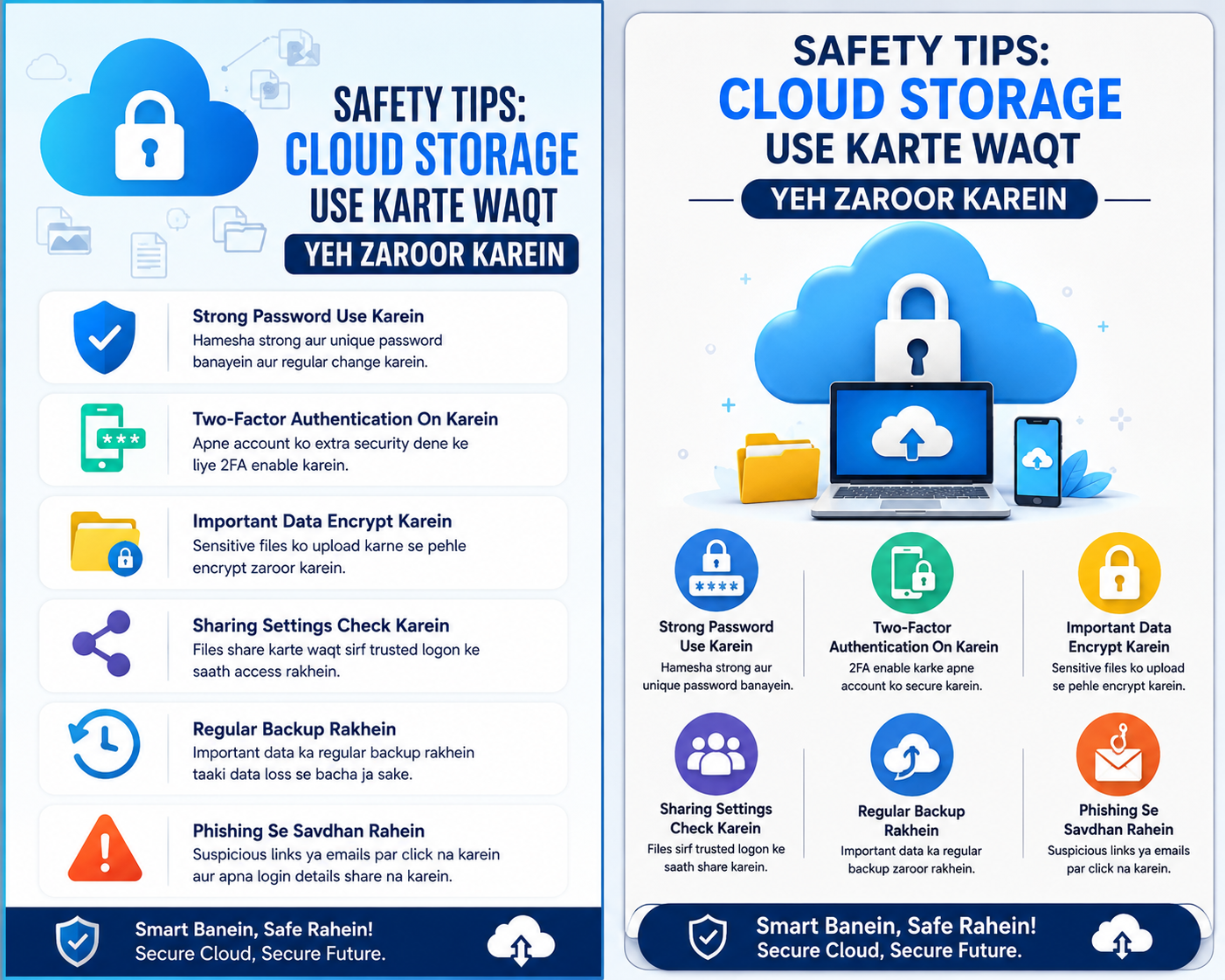
Introduction: Aapka Data Kahan Hai — Safe Hai Ya Nahi?
Socho ek din aap apna phone khol te ho aur message aata hai — “Storage Full. New photos save nahi ho sakti.” Familiar lagta hai? Hum mein se bahut logon ke saath yahi hota hai.
Aaj 2026 mein, Cloud Storage free vs paid ka choice sirf ek technical decision nahi hai — yeh aapki digital life ka ek important hissa ban gaya hai. Photos, videos, documents, work files — sab kuch online store karna ab ek zaroorat hai.
Lekin problem yeh hai: Free plan lein ya paid? Kaunsa safe hai? Kaunsa best value deta hai? Yeh confusion bahut logon ko hoti hai.
Is article mein hum bilkul simple language mein samjhenge — no technical jargon, no confusion. Bas clear facts aur honest advice.
Cloud Storage Kya Hota Hai? (Quick Recap)
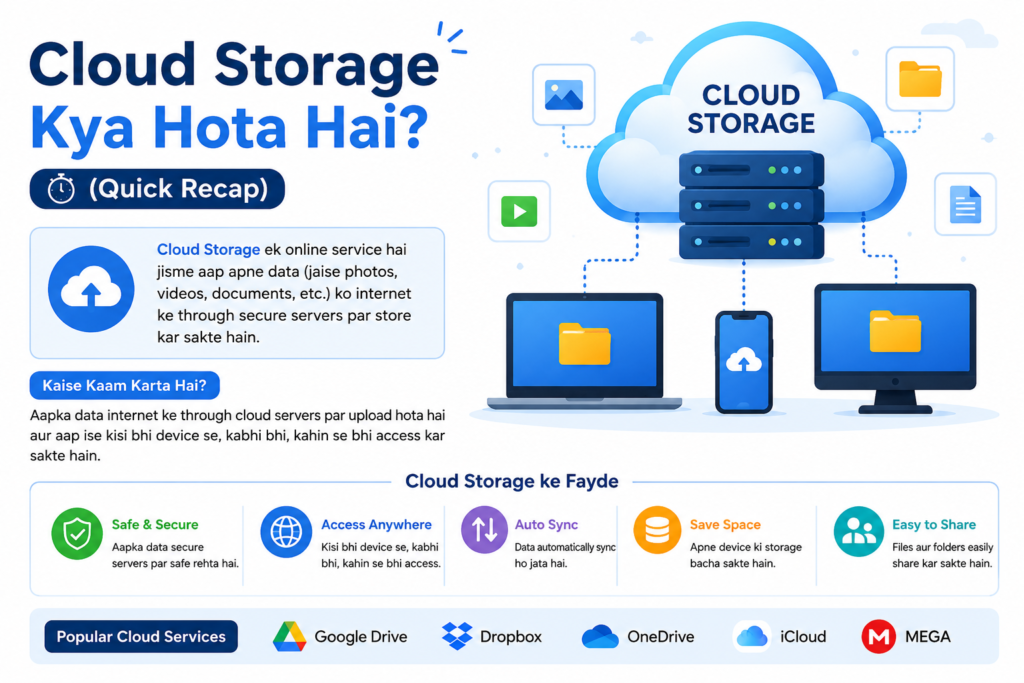
Cloud storage ek aisi service hai jahan aap apna data — photos, files, videos — internet ke zariye remote servers par save karte ho. Aapka phone ya laptop delete ho jaye, data phir bhi safe rehta hai.
Common examples:
- Google Drive
- iCloud
- Dropbox
- OneDrive
- pCloud
- Mega.nz
Yeh sab services cloud storage free vs paid dono options offer karti hain. Lekin dono mein kya fark hai? Chalte hain detail mein.
Cloud Storage Free vs Paid: Main Differences Kya Hain?
Jab baat aati hai cloud storage free vs paid ki, toh yeh comparison sirf storage size tak limited nahi hai. Chaliye ek-ek karke dekhte hain.
1. Storage Space: Kitna Milta Hai Free Mein?
| Service | Free Storage | Paid Plan (Starting) |
|---|---|---|
| Google Drive | 15 GB | ₹130/month (100 GB) |
| iCloud | 5 GB | ₹75/month (50 GB) |
| Dropbox | 2 GB | ₹850/month (2 TB) |
| OneDrive | 5 GB | ₹489/month (100 GB) |
| pCloud | 10 GB | ₹1,700 lifetime (500 GB) |
| Mega.nz | 20 GB | ₹450/month (400 GB) |
Free plans theek hain starting ke liye, lekin jaise hi aap regularly photos aur videos save karna shuru karte ho — 15 GB bhi bahut jaldi bhar jaata hai.
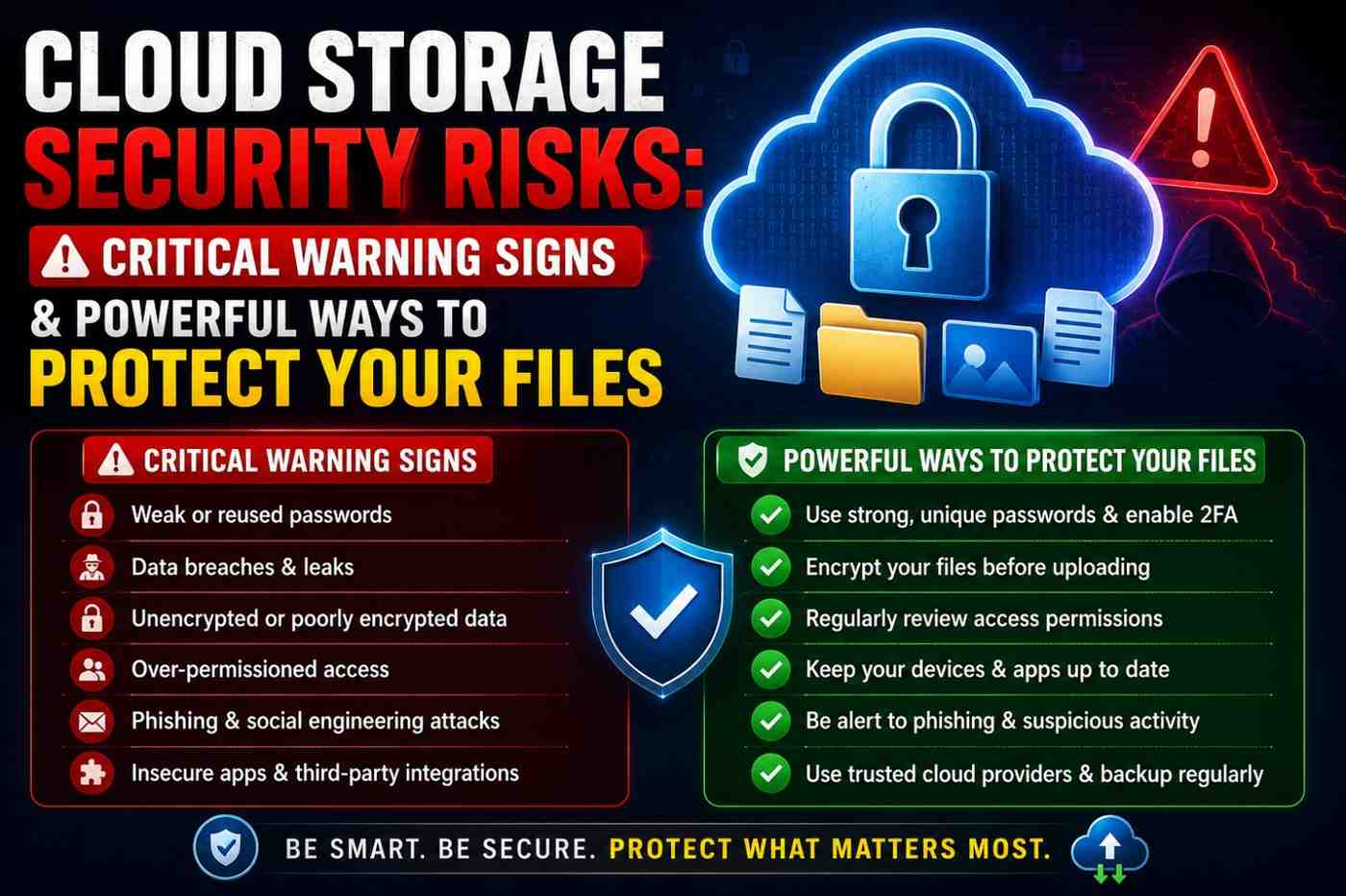
2. Security: Free vs Paid Mein Kaun Zyada Safe Hai?
Yeh sabse important question hai. Cloud storage free vs paid ki baat mein security ka role bahut bada hai.
Free plans mein:
- Basic encryption hoti hai
- Two-factor authentication available hai
- Lekin data mining hoti hai (especially Google) — matlab aapki activity se ads target ki jaati hai
Paid plans mein:
- End-to-end encryption (E2EE) — matlab sirf aap hi apna data dekh sakte ho
- Zero-knowledge encryption (pCloud, Mega mein available hai)
- Advanced security features
- Data breach protection
Real Example: Agar aap sensitive documents — Aadhaar, PAN card scans, bank statements — cloud par store karte ho, toh paid plan with E2EE zyada safe option hai.
3. Speed aur Performance
Cloud storage free vs paid mein download/upload speed bhi different hoti hai.
- Free users ke liye bandwidth limits ho sakti hai
- Paid users ko priority access milta hai
- Large files transfer karna paid plans mein kaafi faster hota hai
Agar aap freelancer ho ya work files regularly sync karte ho — toh speed matter karti hai.
4. File Sharing aur Collaboration
Aaj ke time mein teams aur families dono cloud storage use karti hain files share karne ke liye.
Free plans:
- Basic file sharing hota hai
- Link sharing limited hoti hai
- Collaboration features restricted hoti hain
Paid plans:
- Advanced sharing controls
- Password-protected links
- Expiry date set kar sakte ho shared links par
- Team folders aur permissions
Example: Ek small business owner jo apni team ke saath documents share karta hai — unke liye paid plan clearly better hai.
5. Customer Support
Free users: Community forums ya help articles — live support nahi milti.
Paid users: Email, chat, ya phone support available hoti hai. Problem ho toh solve bhi jaldi hoti hai.
Kab Free Plan Kaafi Hai?
Cloud storage free vs paid ka choice aapki need par depend karta hai. Free plan theek hai agar:
- Aap sirf documents aur few photos store karte ho
- Personal use hai, business nahi
- 15–20 GB storage kaafi hai aapke liye
- Sensitive data store nahi karte
- Student ho ya casual user ho
Example: Ek college student jo sirf assignments aur notes save karta hai — Google Drive ka 15 GB free plan unke liye perfect hai.
Kab Paid Plan Lena Chahiye?
Cloud storage free vs paid ki comparison mein paid clearly better hai jab:
- Aap photographer ya videographer ho (raw files bade hote hain)
- Business documents regularly backup karte ho
- Family photos/videos years tak preserve karne hain
- Sensitive documents safe rakhne hain (E2EE chahiye)
- Multiple devices sync karne hain
- Team ke saath collaborate karna hai
- Free storage baar-baar full ho jaata hai
Real Example: Ek small business owner jo 50–60 GB client data manage karta hai — unke liye ₹130/month ka Google One plan ek coffee se bhi sasta aur kaafi valuable hai.
Top Cloud Storage Recommendations 2026
Best Free Option: Google Drive (15 GB)
- Gmail, Docs, Sheets ke saath seamlessly integrate karta hai
- Android users ke liye number one choice
- Downside: Data privacy concerns, ads
Best Paid Option for Individuals: pCloud (500 GB Lifetime)
- One-time payment — baar baar subscription nahi
- End-to-end encryption available
- Fast performance
- Downside: One-time cost thodi zyada hai
Best for Families: iCloud+ (200 GB — Family Sharing)
- Apple devices ke liye best
- Family plan mein 5 members share kar sakte hain
- Downside: Non-Apple devices par limited
Best for Business: OneDrive for Business
- Microsoft Office 365 ke saath integrate
- Team collaboration powerful hai
- Downside: Non-Microsoft ecosystem mein awkward feel
Best for Privacy: Mega.nz (20 GB Free + Paid Plans)
- Zero-knowledge encryption by default — free plan mein bhi
- Strong privacy focus
- Downside: Speed kabhi kabhi slow hoti hai
Cloud Storage Free vs Paid: Quick Comparison Table
| Feature | Free Plan | Paid Plan |
|---|---|---|
| Storage | 2–20 GB | 100 GB – 2 TB+ |
| Security | Basic | Advanced / E2EE |
| Speed | Standard | Priority / Faster |
| Ads / Data Mining | Possible | Generally Nahi |
| Customer Support | Limited | Full Support |
| Sharing Controls | Basic | Advanced |
| Best For | Casual Users | Power Users / Business |
Safety Tips: Cloud Storage Use Karte Waqt Yeh Zaroor Karein
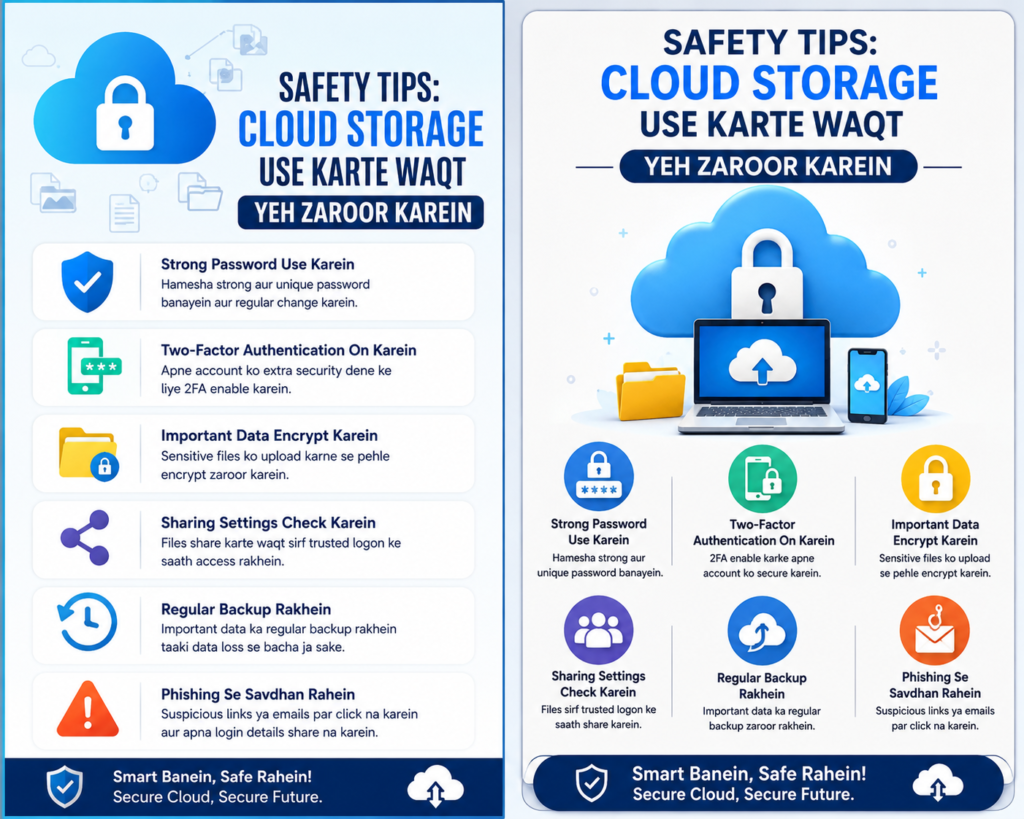
Chahe free use karo ya paid — kuch basic safety practices follow karni chahiye:
- Strong password use karein — “123456” bilkul nahi
- 2-Factor Authentication (2FA) on karein — extra security layer
- Sensitive files ke liye E2EE service choose karein — Mega ya pCloud
- Regular backup lein — sirf cloud par depend mat karo, local backup bhi rakhein
- Unknown links par click mat karein jo aapke cloud account access maangein
- Shared links expire date ke saath banayein
FAQ: Cloud Storage Free vs Paid — Common Questions
Q1. Kya free cloud storage safe hai?
Haan, basic use ke liye free cloud storage safe hai — lekin agar aap sensitive documents store karte ho, toh paid plan with end-to-end encryption zyada better aur trustworthy option hai.
Q2. Google Drive free plan mein kitna storage milta hai 2026 mein?
Google Drive abhi bhi 15 GB free storage deta hai — jo Gmail, Drive, aur Google Photos mein share hoti hai. Agar yeh full ho jaaye toh Google One plan ₹130/month se shuru hota hai.
Q3. Kya India mein affordable paid cloud storage options hain?
Bilkul hain. Google One (₹130/month), iCloud+ (₹75/month), aur pCloud lifetime plan (ek baar ki payment) India ke users ke liye budget-friendly choices hain.
Q4. Cloud storage aur external hard drive mein kya better hai?
Dono ki apni jagah hai. Cloud storage convenient hai — kabhи bhi, kaheen se access karo. External hard drive offline safe hai — internet nahi chahiye. Best practice: dono use karo — 3-2-1 backup rule follow karein.
Q5. Kya free plan se paid plan mein switch karna mushkil hai?
Nahi, bilkul simple hai. Aap kisi bhi time apne account settings se upgrade kar sakte ho. Data automatically safe rehta hai — kuch delete nahi hota.
Q6. Kaunsi service best end-to-end encryption deti hai?
Mega.nz aur pCloud dono zero-knowledge encryption offer karte hain — matlab company khud aapka data nahi dekh sakti. Privacy ke liye yeh best options hain.
Conclusion: Aapke Liye Kya Sahi Hai?
Cloud storage free vs paid ka jawab ek simple line mein: aapki zaroorat pe depend karta hai.
Agar aap student ho, casual user ho, aur basic storage se kaam chal jaata hai — free plan bilkul theek hai. Google Drive ya Mega ka free tier use karo.
Lekin agar aap professional ho, business chalate ho, ya sensitive data safely store karna chahte ho — paid plan mein invest karo. Ek achi chai se bhi sasta monthly plan aapke gigabytes of important data ko safe rakh sakta hai.
Final Advice: Pehle free plan se shuru karo. Jab 70–80% storage use ho jaaye — tab paid plan seriously consider karo. Aur hamesha 2FA on rakho, chahe koi bhi plan use karo.
Cloud storage free vs paid ka decision ek baar sahi le lo — aur phir data ki tension hamesha ke liye khatam.